
Recently, while working with Salsa Ithaca, a dance organization offering both regular classes and special events, I encountered a common challenge many organizations face: how to effectively manage events online while building a strong digital presence.
Whether you’re running dance classes, managing a music venue, coordinating community programs, or organizing workshops, the principles and considerations we’ll explore here apply broadly.
The “Source of Truth” Mindset
Before we dive into specific solutions, let’s talk about an important strategic approach: making your website the “source of truth” for your events. Here’s why this matters:
- Consistency: When your website is the primary source, you eliminate conflicting information across platforms
- Priority: It ensures your website stays current and maintains its value as a key business tool
- Workflow Clarity: Team members know exactly where to go first when updating or sharing event information
- Brand Control: Your website presents events exactly how you want them, with your full brand experience
💡 Ask Yourself: Where do people in your organization currently go first when updating event information? Does this align with your goals? How much time is spent reconciling information across different platforms?
Choosing a Calendar Plugin
Let’s examine 3 unique solutions through the lens of both features and real-world application. These are all plugins I’ve used in different situations.
- Simple Calendar – Great for busy calendars managed primarily in Google
- Pie Calendar – Ideal for recurring schedules, weekly classes with descriptions & registrations
- The Events Calendar – For more advanced websites, categories, filters, maps, tickets, etc…
But there are other nuances worth exploring. If you read this article and still want help choosing the best setup for your website, please contact me.
Simple Calendar
Pricing: Free, with premium versions starting at $49/year for additional Google Calendar feeds
Ideal For: Organizations heavily invested in Google Calendar who prioritize easy updates over SEO
Real-World Example: A community center managing multiple room bookings that change frequently would benefit from the seamless Google Calendar integration.

Key Advantages
- Effortless Synchronization: Update once in Google Calendar, and your website reflects changes automatically
- Real-Time Updates: Perfect for organizations with fluid schedules or last-minute changes
- Minimal Maintenance: Once set up, the system largely runs itself
Limitations to Consider
- SEO Considerations: Events don’t get individual WordPress pages, potentially limiting their search visibility
- Initial Setup Complexity: The Google Calendar authentication process requires some technical setup
- Content Integration: Limited ability to connect events with your broader website content

PieCalendar
Pricing: Free version available, Pro version $49 /year per site
Ideal For: Organizations with a few events per week who prioritize SEO and want a simple WordPress-native solution.
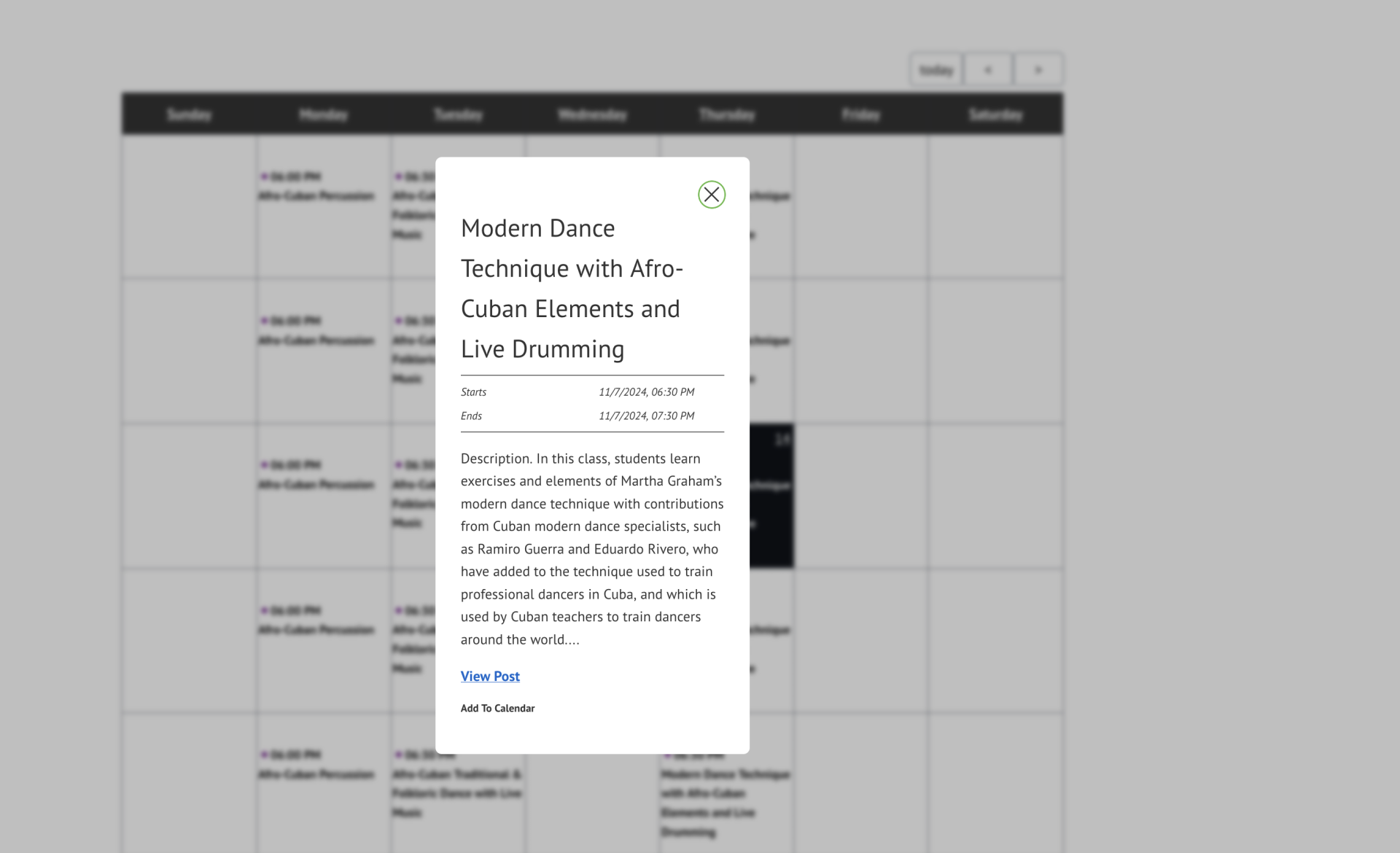
Real-World Example: Salsa Ithaca uses PieCalendar to display recurring events – which are individual posts on the website (instead of dozens of separate event posts). This is SEO friendly and each class has it’s own dedicated and shareable link.

Key Advantages
- SEO-Friendly: Each event is treated as a post, boosting search engine visibility
- Customization: Allows for color-coding, recurring events, and other optimizations to match your site
- Enhanced User Engagement: Events are shareable and can be optimized for search engines
- WordPress-Native: Works seamlessly within the WordPress ecosystem
Limitations to Consider
- Manual Updates Required: Changes must be made directly on the website
- No Direct Google Calendar Integration: Users can’t subscribe directly to the calendar for automatic updates
- Some Recurring Event Limitations: Sometimes recurring events have conditions like “Every week except for the first Monday of the month” is not as easy to implement here – whereas the Events Calendar Pro makes this possible.
- List View Limitations: PieCalendar gives different views, but displaying a list of posts in order of “upcoming events” is not currently a built in feature.

The Events Calendar (and Pro)
Pricing: Free limited version, and $99 /year for the pro-version (single site)
Pricing: Free version available, Pro version $99/year for a single site
Ideal For: Organizations with complex event scheduling needs who want advanced features and strong SEO benefits
Real-World Example: An organization offering multiple event types, featured events, and paid workshops with registration questions would benefit from the advanced options and extensions the Events Calendar offers.

Pro-Features
- Advanced Recurring Events: Create complex patterns for regular programming
- Calendar Subscriptions: Allow visitors to add to their preferred calendar app
- Custom Fields: Add registration links, venue details, or any custom information
- Multiple Views: Including map view, photo view, and week view
- SEO Optimization: Events have dedicated pages for search visibility
- Location Features: Helpful for organizations with multiple venues
Limitations to Consider
- Learning Curve: Requires more time to set up and utilize all features
- Premium Costs: Advanced features require paid licenses
- Setup Time: Initial configuration needs careful planning
Premium Add-ons
- Event Tickets ($99/year): Sell tickets directly through your site
- Community Events ($99/year): Allow users to submit events
- Filter Bar ($69/year): Add advanced search capabilities
💡 Consider This: What features would make your event management easier six months from now? Are you likely to need ticketing or community submissions in the future? Are you planning to monetize your events?

How to Decide:
Start asking helpful questions.
Consider these questions for your organization:
- Update Process:
- Who will be updating events?
- How technically comfortable are they?
- How many people need to be able to make updates?
- Event Complexity:
- Do you have recurring events?
- How detailed is the information for each event?
- Do you need to manage registrations or tickets?
- Discovery Goals:
- How important is it for new people to find your events through search?
- Do you need to share events on social media?
- Would you benefit from allowing calendar subscriptions?
- Budget Reality:
- How much time can you invest? Will you be configuring it or will you oversee it?
- Which features do you need? (and which would actually generate revenue?)
- Do you have a website care plan, or are you hiring developers ad-hoc?
Implementation Tips
Whichever solution you choose, consider these best practices:
- Create an Update Protocol: Document when and how events should be updated, making your website the first stop. At Maple we schedule recurring tasks to make sure this is done.
- Use Consistent Formatting: Develop templates for event descriptions and details. Test everything so it’s intuitive and simple for visitors on your website to register.
- Plan for Growth: Consider future needs when choosing features. Switching platforms is a big, and sometimes expensive decision.
- Train Your Team: Ensure everyone understands the “website first” workflow, protecting your brand and keeping the site up to date.
- Consider Support Needs: Having a website care plan in place can make maintaining your event calendar much easier – whether you need quick updates, have technical questions, or want guidance as your needs evolve
Next Steps
Would you like to talk through your options for an event calendar solution? I offer zero-pressure, 15-minute discovery calls to discuss your specific needs and help you find the right path forward. Whether you’re just exploring possibilities or ready to make a change, I’m happy to share insights and answer your questions.
Looking for more digital strategy insights? Subscribe to our newsletter for regular tips on making your website work harder for your organization.

Leave a Reply
You must be logged in to post a comment.